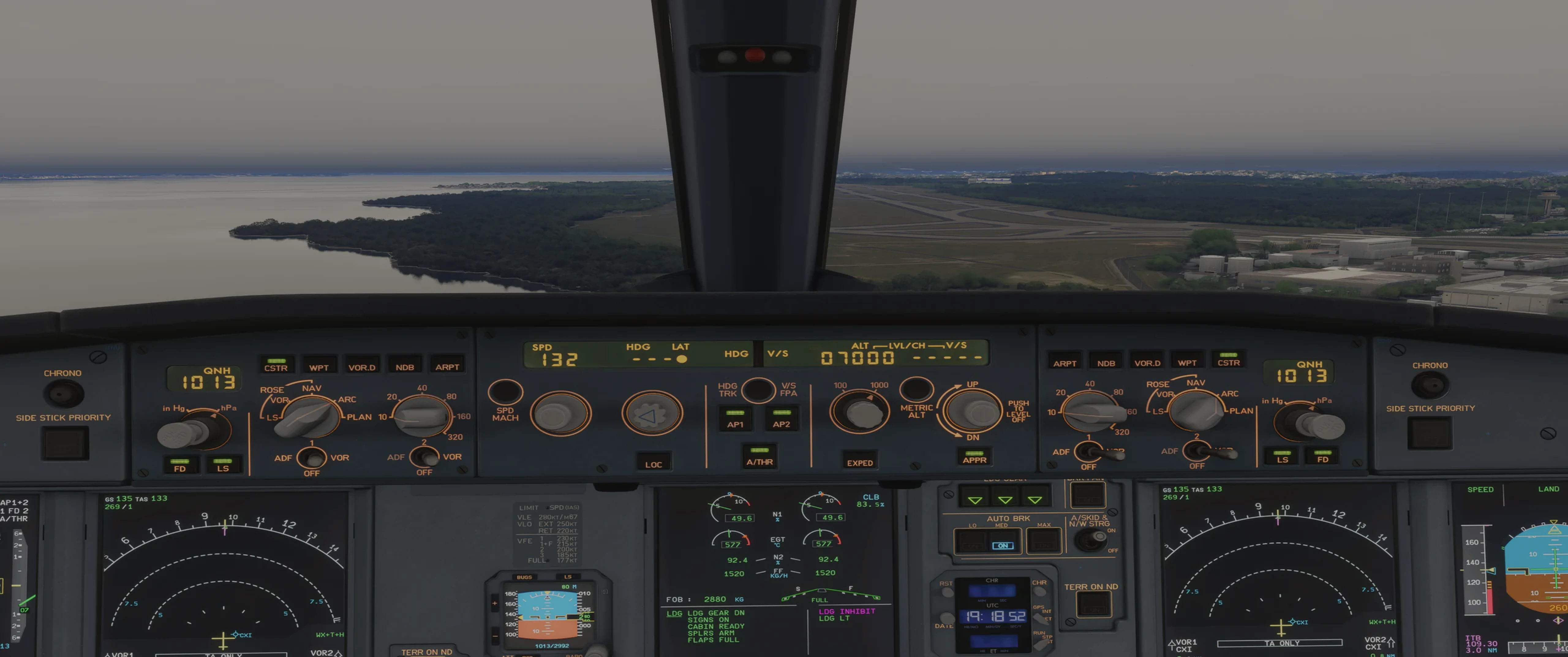
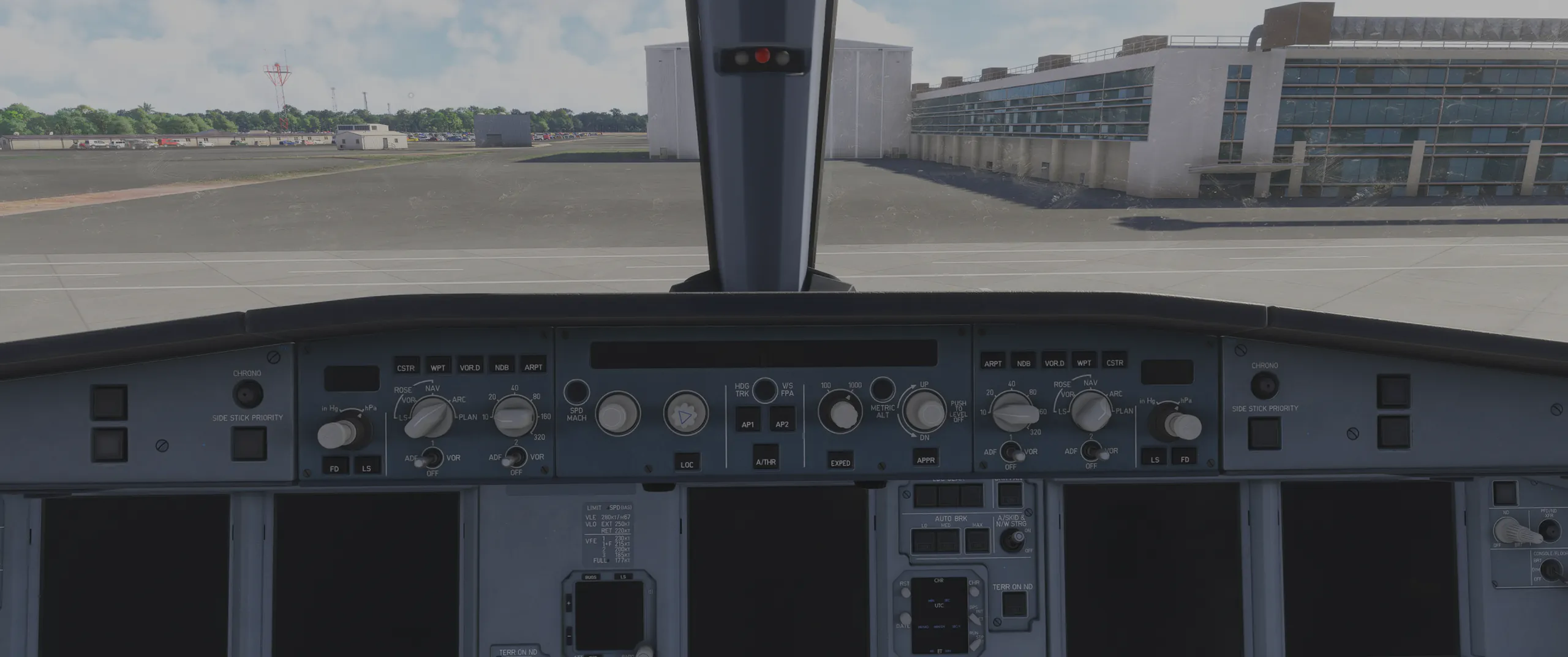
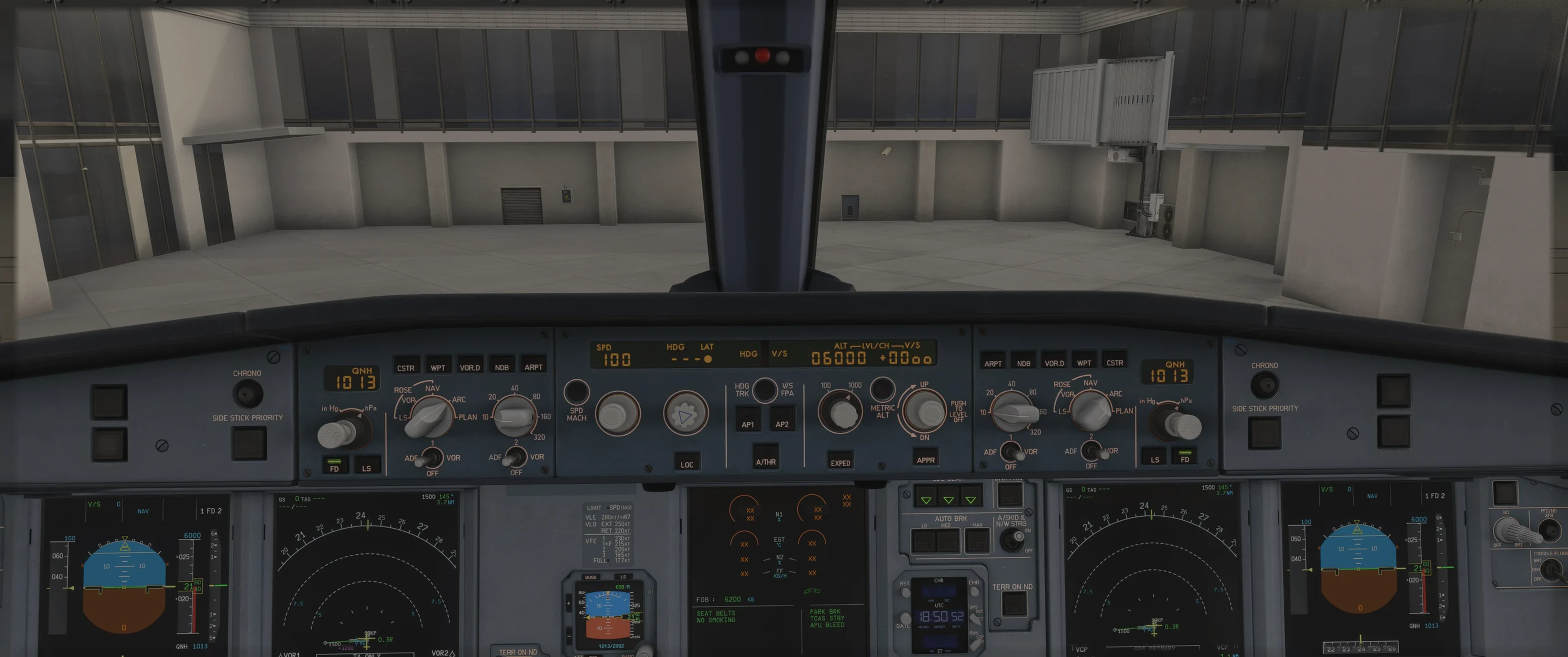
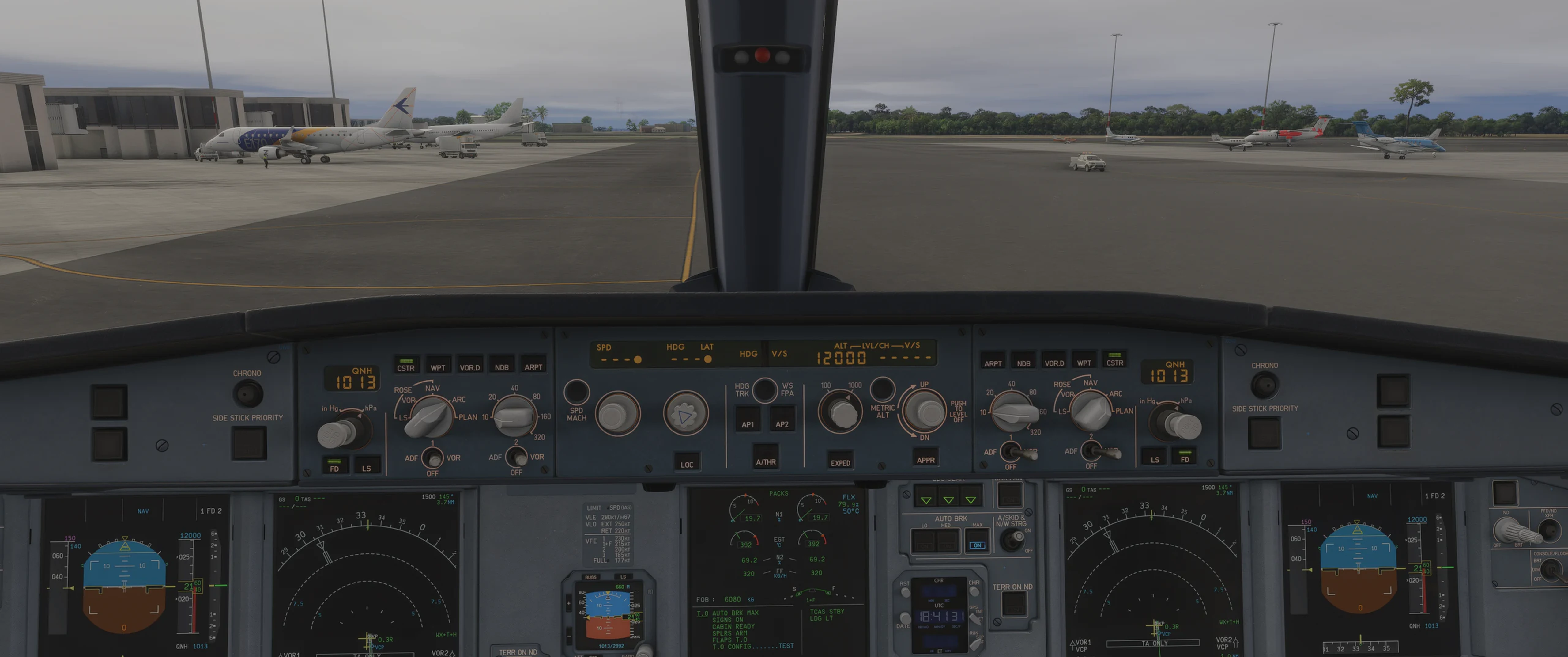
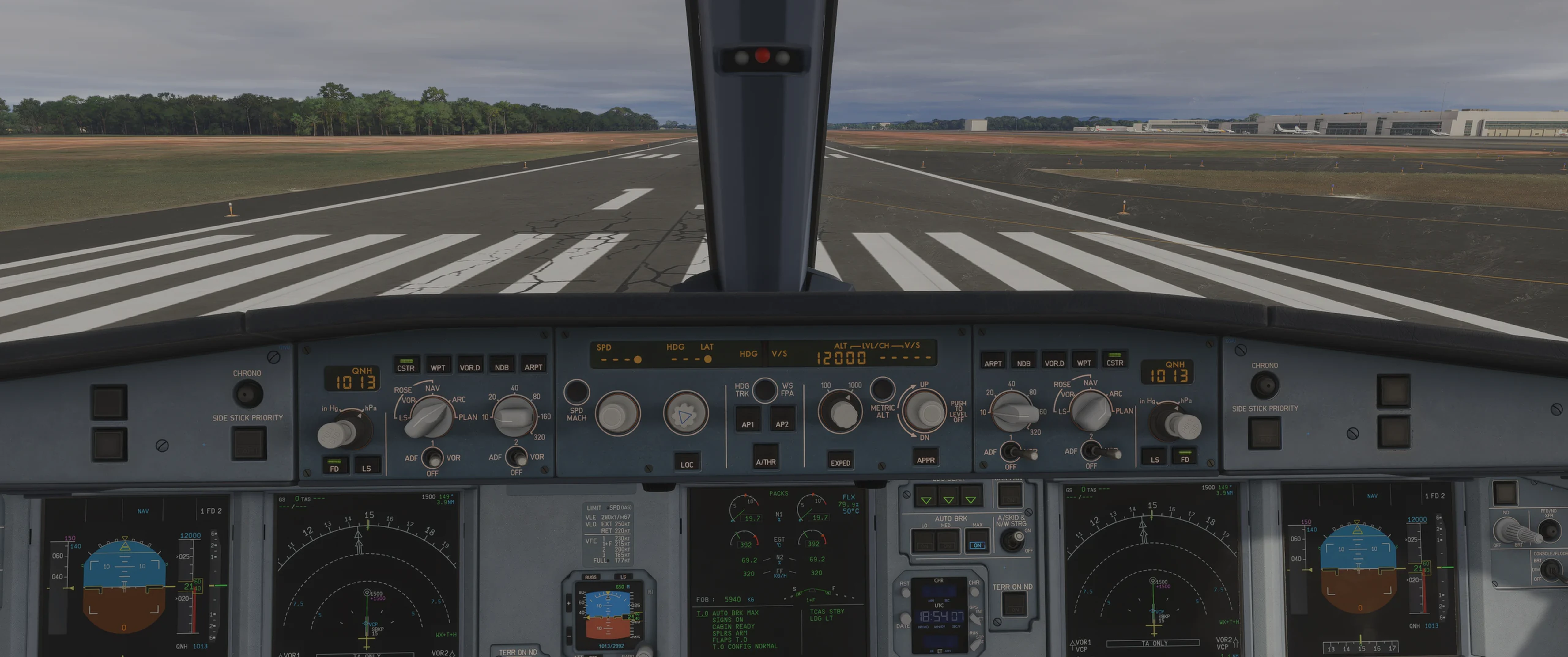
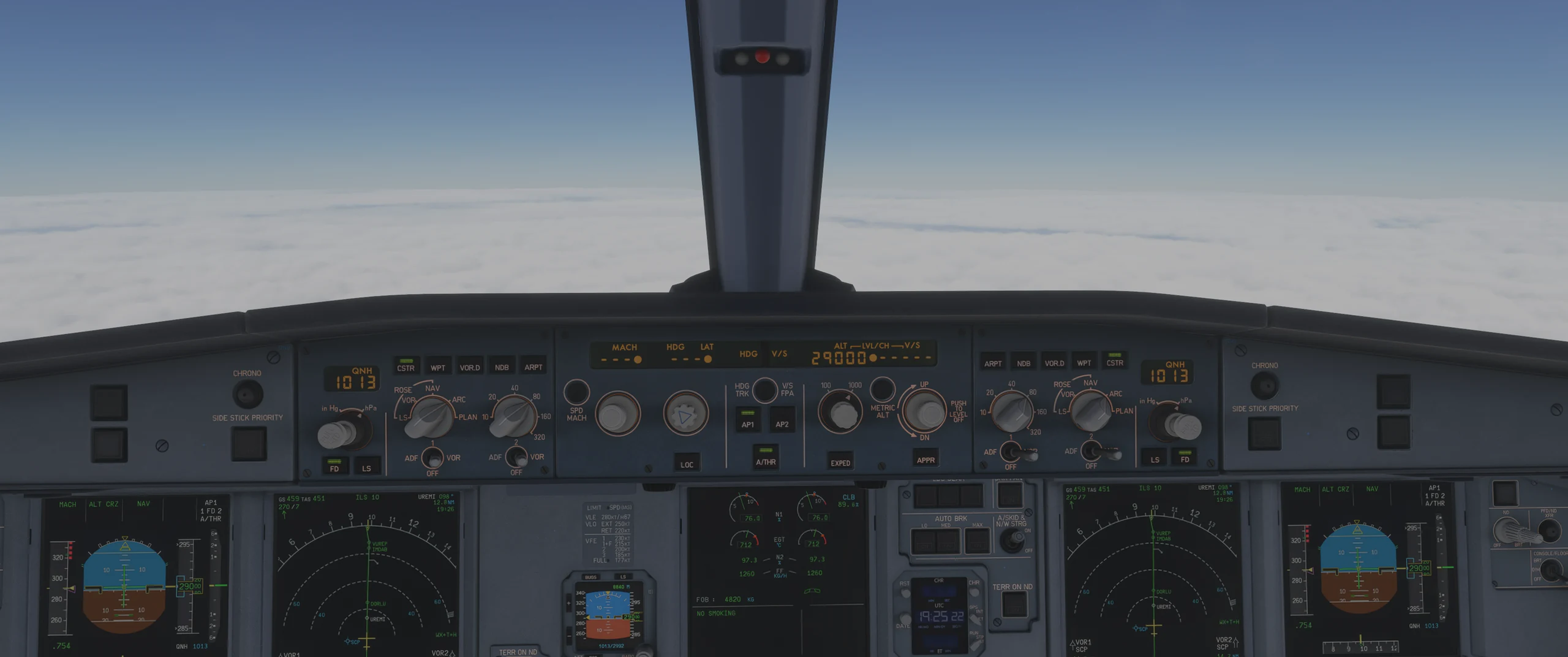
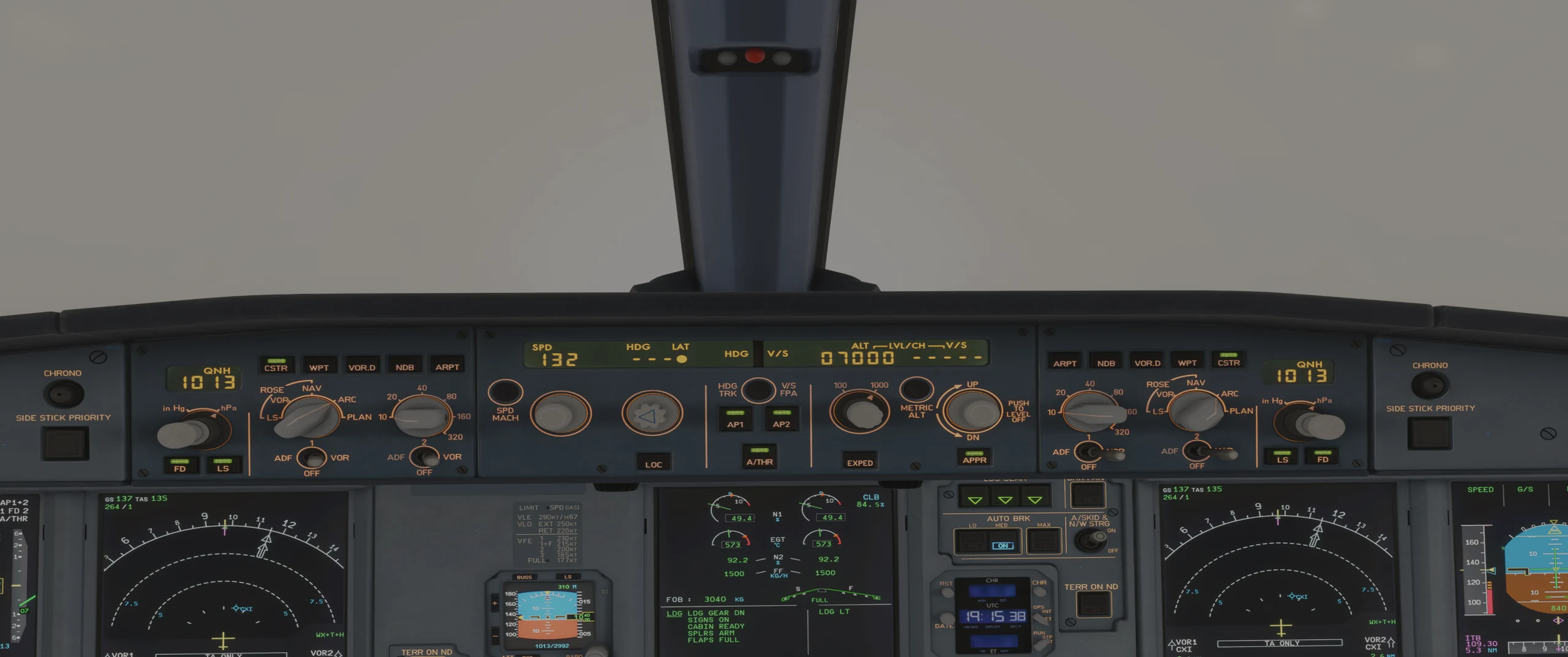
The real cockpit
A photo of the A320 cockpit, switch by switch. Tap the control and pick the position.
 FC Cockpit
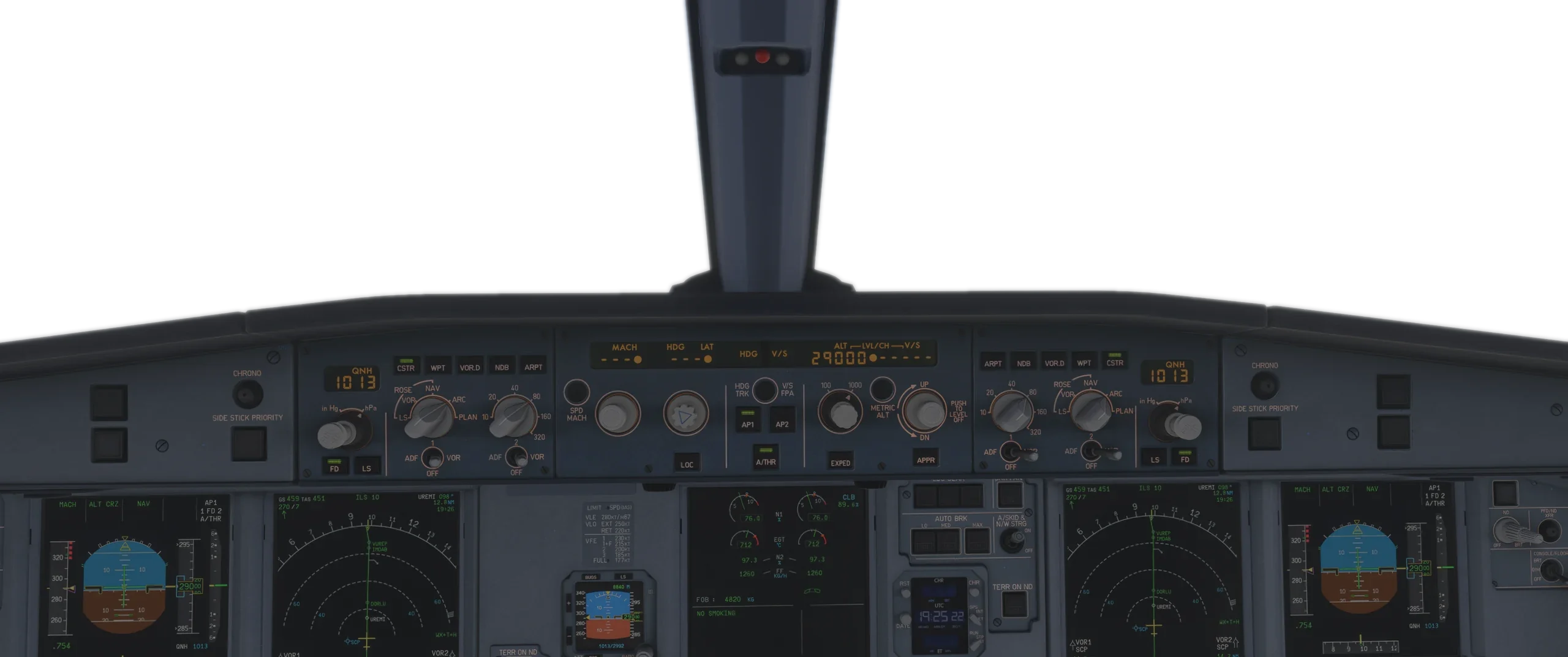
 presents
A320 flows, callouts and checklists from power-up to shutdown. You fly your seat as PF or PM. The copilot flies the other, talks to you and checks every callout.
No card needed. Your first phase takes about two minutes.
Everything the checkride asks for, as many times as you need, wherever you are.
A photo of the A320 cockpit, switch by switch. Tap the control and pick the position.
Your copilot flies the other seat, waits for you and checks every callout, by voice or by tap.
Every step has a why, with its source: the A320 FCOM, FCTM and QRH.
On your computer or phone, day or night. No sim slot to book.
He does his part, waits for yours and checks every callout. In English, Portuguese or Spanish.
The PFD moves like the A320's: speed reference, trend, FMA.
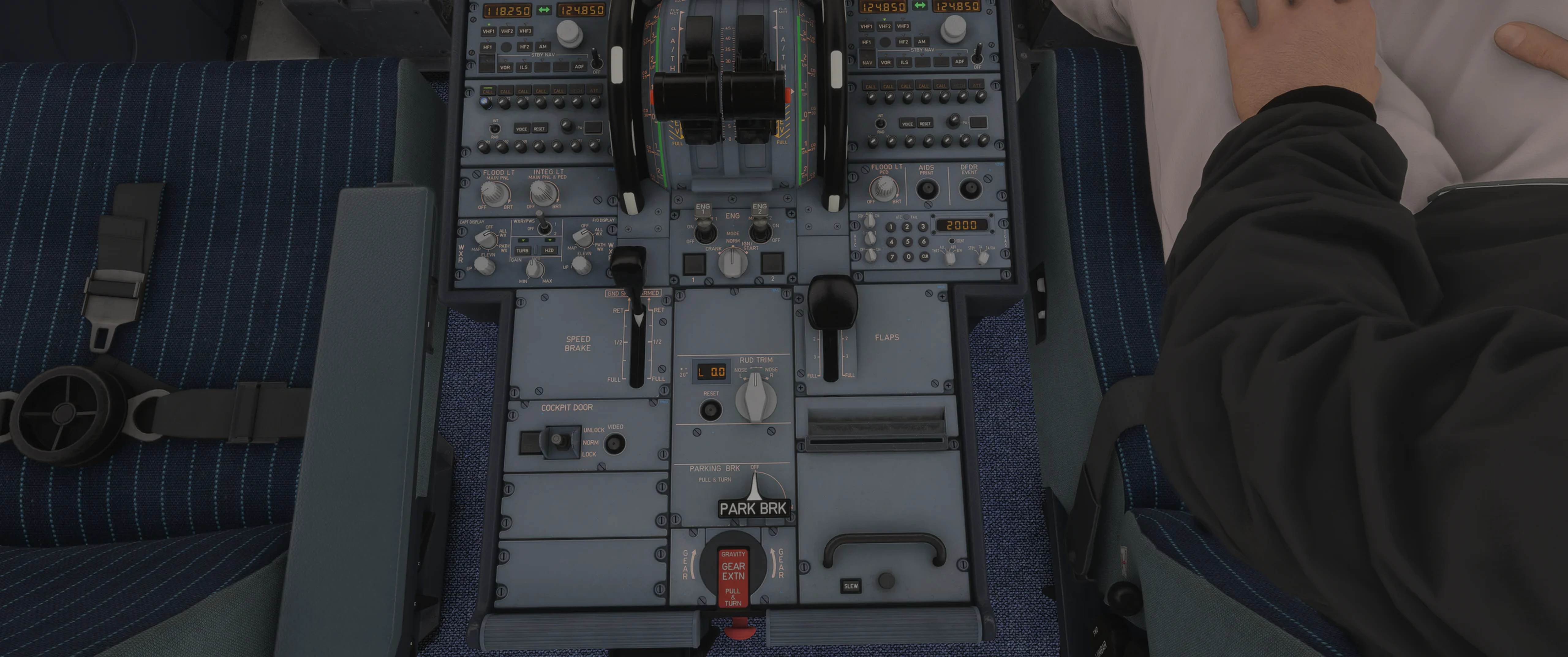
The camera flies to the control and the window shows its real positions. Wrong one? It waits for you to try again.
15 phases, in flight order.
Not a drawing: the A320 MCDU, key by key. Type on it.
Try it: type SBKP/SBGL and press the key next to FROM/TO.
Four steps per phase. You move up when you're ready.
Written from the A320 FCOM, QRH and FCTM, with the source of every item.
V1
After V1 there may not be enough runway to stop, so the takeoff goes on.
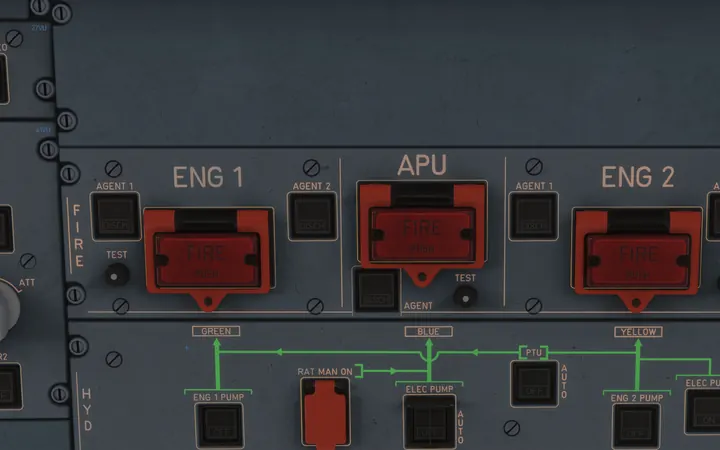
Rejected takeoff, engine fire after V1 and a go-around at minimums, with the ECAM actions.
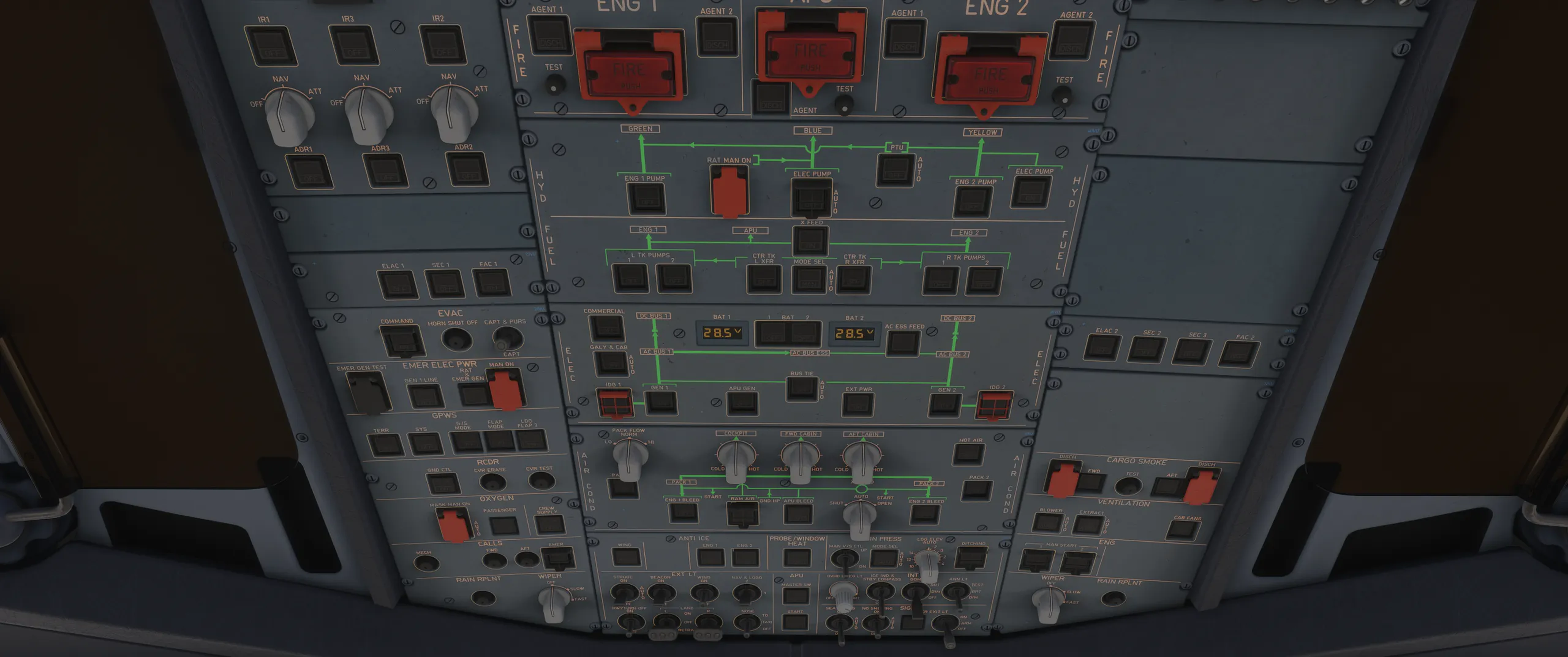
Electrical, APU, air, fuel, hydraulics, fire and twenty-seven more. Narrated, with a photo of every switch.
R$ 0
US$ 29 a month
or US$ 199 a year
Cancel anytime. Within the first 7 days, you get all your money back.
No. It's a study tool: always follow your airline's approved SOP.
No. You can answer by tapping. With a microphone, you say the callouts like in the cockpit.
Yes: phone, tablet and computer, right in the browser.
The A320 is ready. The A330, ATR 72 and 737 MAX are on the way, included in the subscription.
The app is in Portuguese, English or Spanish. Callouts are always in English, like on the line.